
Security for the Vacancy Period — Not Forever.
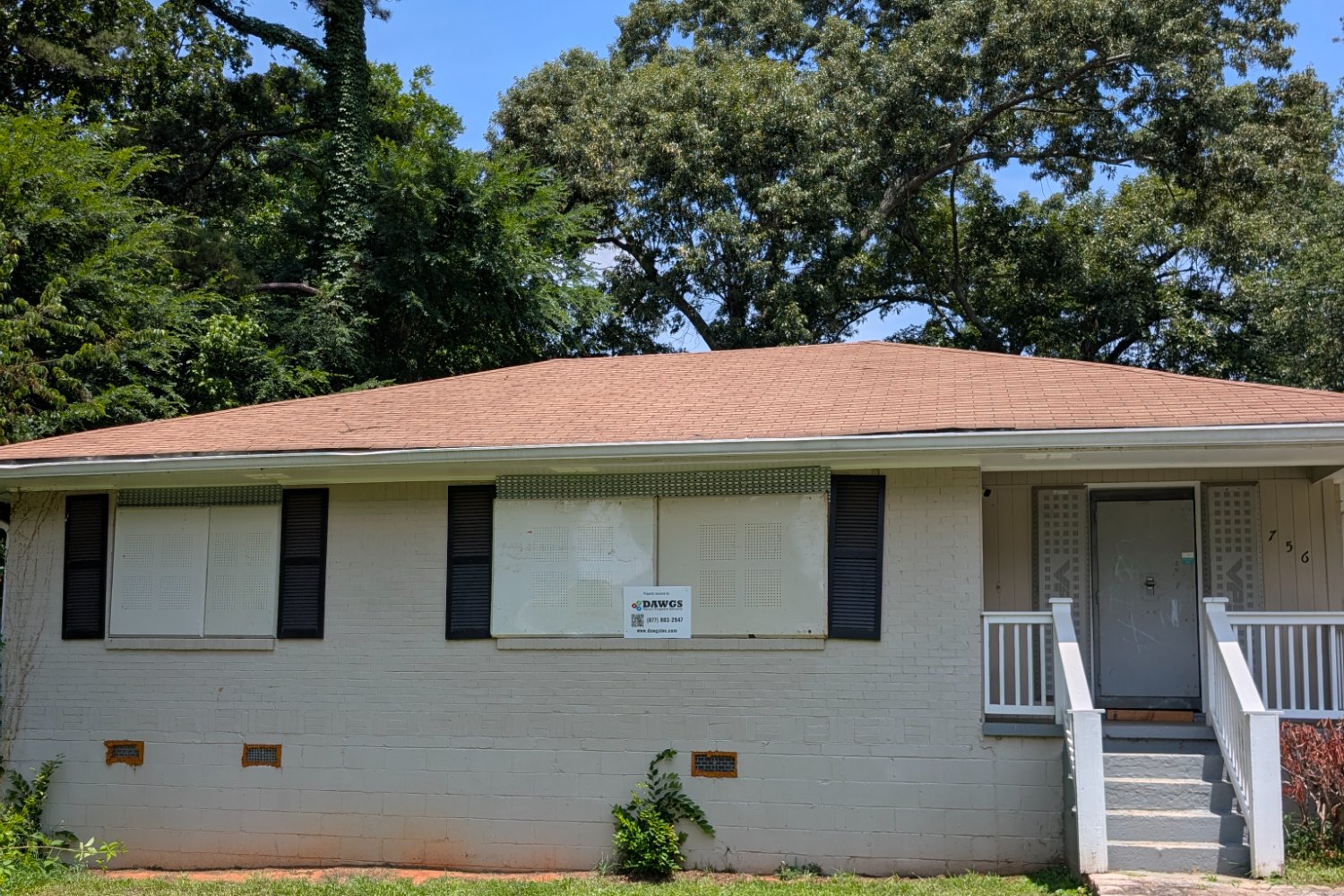
A vacant-property barrier solves a temporary condition, even when the end date is uncertain. DAWGS rents its steel equipment rather than selling it. That approach connects the guard to assessment, installation, authorized use and removal, and it avoids leaving the customer to store specialised panels after the property returns to use.

01
Vacant
A temporary condition, even when the end date is uncertain
02
Secured
Fitted steel for the vacancy period
03
Property Changes
Renovation, sale, occupancy or transfer
04
Removed / Redeployed
No specialised panels left to store
How the DAWGS Rental Model Works
Define the Property
Address, openings, condition, access and target dates.
Confirm the Security Scope
The site recommendation identifies the configuration and access method.
Select the Rental Term
Short vacancy or multi-year — the term follows the property’s plan.
Install & Use
Scheduled installation, then authorized use through the designated entry.
Remove or Extend
At the next milestone, authorize removal — or extend while the property still needs it.
What Shapes the Rental Quote?
Property Inputs
- Number and type of openings
- Dimensions and required equipment
- Property condition and installation access
- Address and regional mobilization
- Coded or keyed entry needs
- Rental duration and removal plan
Property-Specific Quote
Built from the site recommendation
- ConfigurationThe recommended guards for the openings and equipment.
- InstallationExpected installation for the site and region.
- Rental periodBilling assumptions for the expected duration.
- Access methodCoded or keyed entry where approved.
- Later removalThe milestone that ends the rental.
A single home and a portfolio are scoped differently
DAWGS does not publish a one-price-fits-all rate — openings, site conditions and access vary property by property. Pricing is property-specific, not a flat rate hidden behind a form.
Choose the Term That Fits the Project
Arrangements can support short vacancies or multi-year periods, subject to the approved scope and agreement. The term follows the property’s plan — not the other way around.
Shorter TermLonger Term
Short Vacancy
Weeks or months — a renovation, listing or transition window.
Ongoing Vacancy
End date uncertain — the rental continues until the milestone arrives.
Multi-Year
Longer holds, subject to the approved scope and agreement.
After You Approve the Rental Scope
01
Scope Confirmed
02
Schedule
03
Install
04
Rental Period
05
Service & Access
06
Remove / Redeploy
Why a Rental Model?
Permanent Ownership
Specialised steel panels become yours to store and manage after the property returns to use.
Security Tied to the Vacancy
DAWGS rents its steel equipment rather than selling it. The rental connects the guard to assessment, installation, authorized use and removal — protection for exactly as long as the property needs it.
One Property or a Portfolio — Start With the Actual Scope.
Single Property
One address, one recommendation, one rental scope.
Multiple Properties / Portfolio
Property count, location, timing and repeated configurations reviewed together.
The Same Assessment & Quote Process
Multi-property pricing may be available, but it depends on volume, geography, readiness and operational efficiency rather than a universal discount table.
For a portfolio, separate ready properties from exceptions — addresses with complete photos and safe access can progress while unclear files receive additional review, without delaying the whole program.
Need the Full Terms & Conditions?
The binding Rental Agreement — terms, charges, insurance, service rates and governing law — lives under Legal.
Rental & Pricing FAQs
Can I buy the equipment?
No — DAWGS rents its steel equipment rather than selling it. The rental connects the guard to assessment, installation, authorized use and removal.
How long can I rent?
Arrangements can support short vacancies or multi-year periods, subject to the approved scope and agreement.
Are multi-property discounts available?
They may be. DAWGS reviews property count, location, timing and repeated configurations when preparing a portfolio quote.
Where are the binding rental terms?
In the Rental Agreement under Legal. This page explains the commercial model; the Agreement governs the rental itself.
Clear Scope. Clear Term. Clear Next Step.
Use the property record to connect recommendation, quote, schedule, installation photos, access owner, condition reports and removal — one accountable service cycle from first review to redeployment.
01
Property-Specific Recommendation
02
Defined Rental Scope
03
Authorized Installation
04
Controlled Service & Access
05
Planned Removal
Start With the Property.
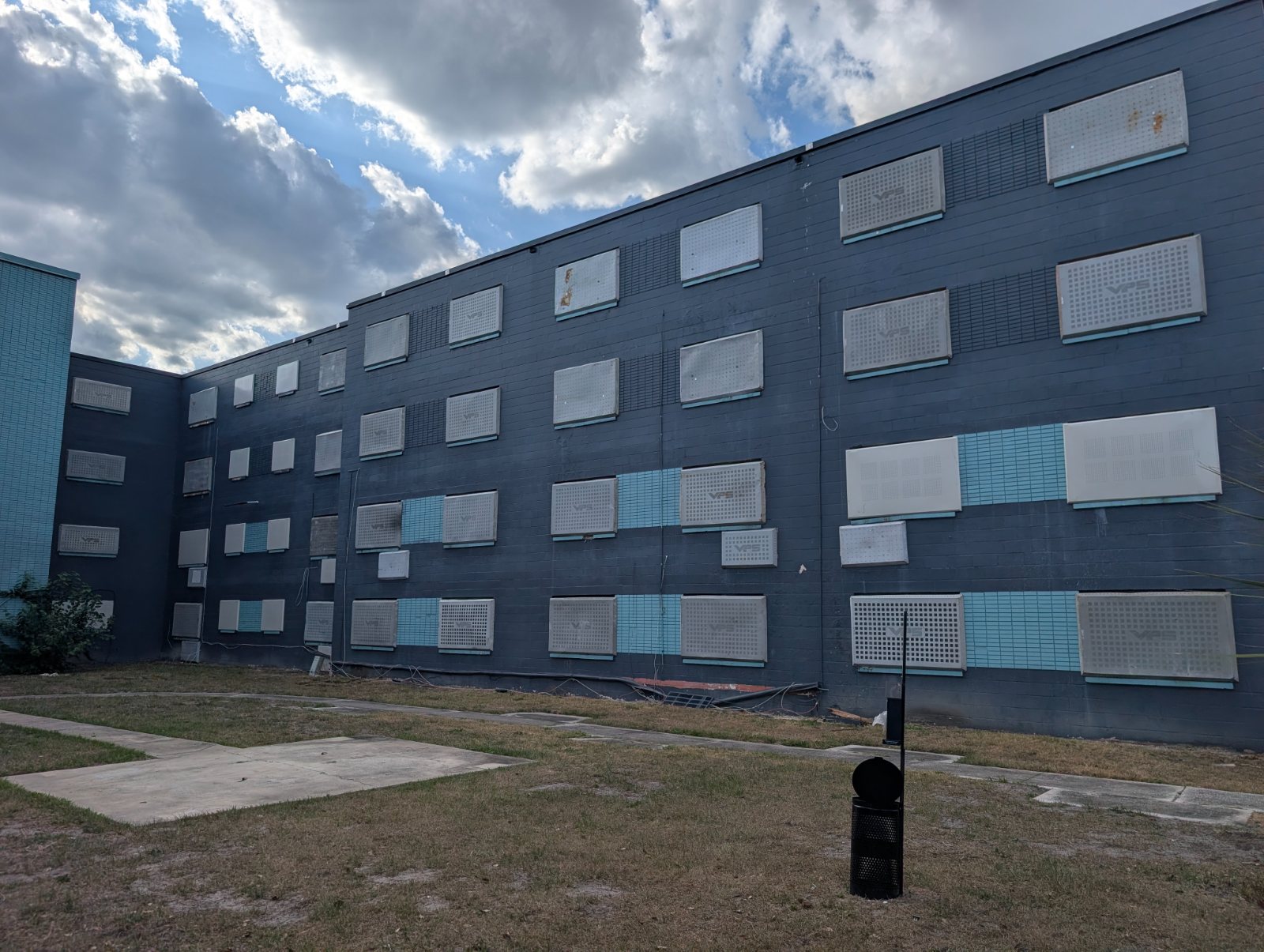
DAWGS needs the actual property and scope — address, openings, condition, access and dates — to recommend the right system and price it honestly.
Go Deeper Into the Process
Move to the Right Next Step
Use the online recommendation path for a planned property or call 1-877-883-2947 for an urgent opening. Share verified authority, vacancy status and current site information. DAWGS will respond with the next questions, not an automatic promise that every building or schedule can be served.