
01
Prepare the Property Information
A complete request helps DAWGS distinguish fit, safety, timing and pricing before a team arrives.
Document missing authority, uncertain occupancy or unsafe access in the request — the best time to resolve them is before mobilization, so the field team is not forced to make a business or legal decision at the opening.

Field brief
- Property address and correct jurisdiction
- Vacancy and occupancy status
- Authority to approve the work
- Photos, plans or opening dimensions
- Equipment and vehicle-access exposure
- Authorized users and intended duration
02
Site Assessment & Recommendation
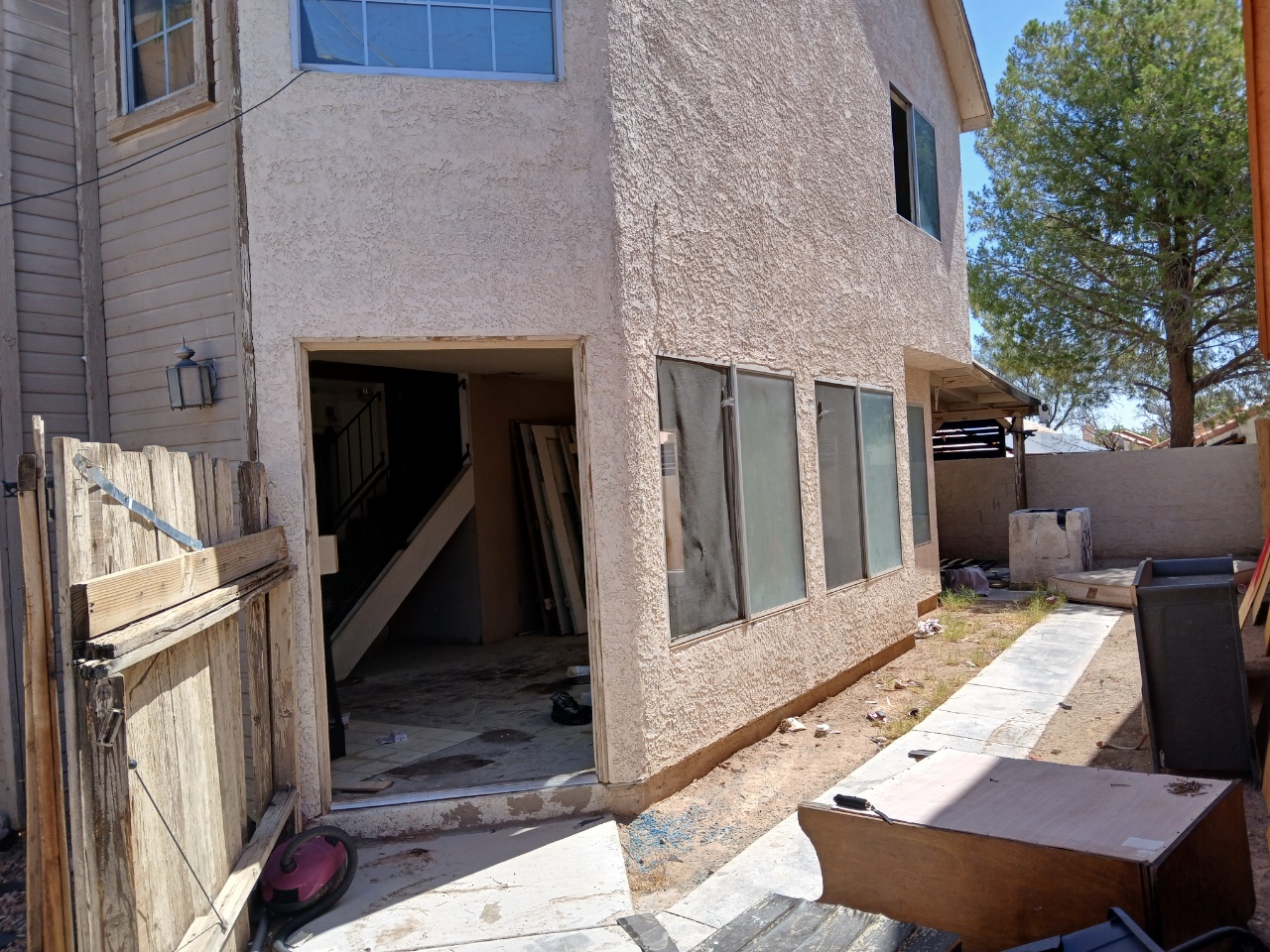
Vacant properties are not interchangeable. Two buildings on the same street can have different opening sizes, structural conditions, equipment exposure, access requirements and municipal direction. A site assessment prevents the request from becoming a generic order for panels and helps identify whether steel guards are appropriate at all.
DAWGS reviews the available information and identifies gaps that affect fit, safety, service area or pricing. Photos and measurements may be sufficient for some properties; others require an on-site review. A recommendation is not a structural inspection, code approval, insurance decision or promise that every building is serviceable.
01
Observe
Openings, condition and exposure — from records or a closer visit
02
Verify
Gaps and assumptions confirmed with the customer
03
Recommend
The relevant solution, access method and assumptions
03
Confirm the Scope
Before mobilization, DAWGS confirms the address, scope, site contact and available information. After approval, scheduling is confirmed against property readiness, regional capacity and equipment; same-day or next-day work is not available for every request.
Scope Record
Confirmed before mobilization
- Approved scope and property contact
- Safe access to the building and openings
- Confirmed vacancy and authority
- Access method and authorized users
- Installation restrictions or local direction
- Target dates and removal milestone
Binding terms live under Legal
Install the Steel System
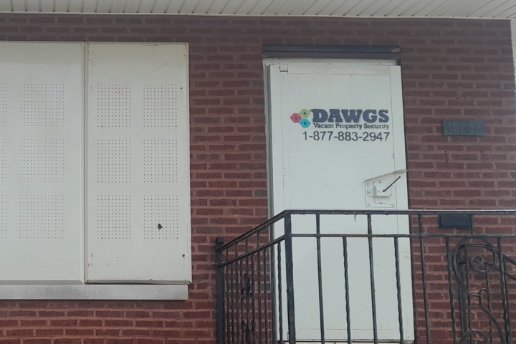
Trained installers inspect the immediate work area, fit the approved steel guards or access controls and document completion. The authorized contact receives the agreed access information. Any opening or condition that differs materially from the request is escalated rather than quietly improvised.
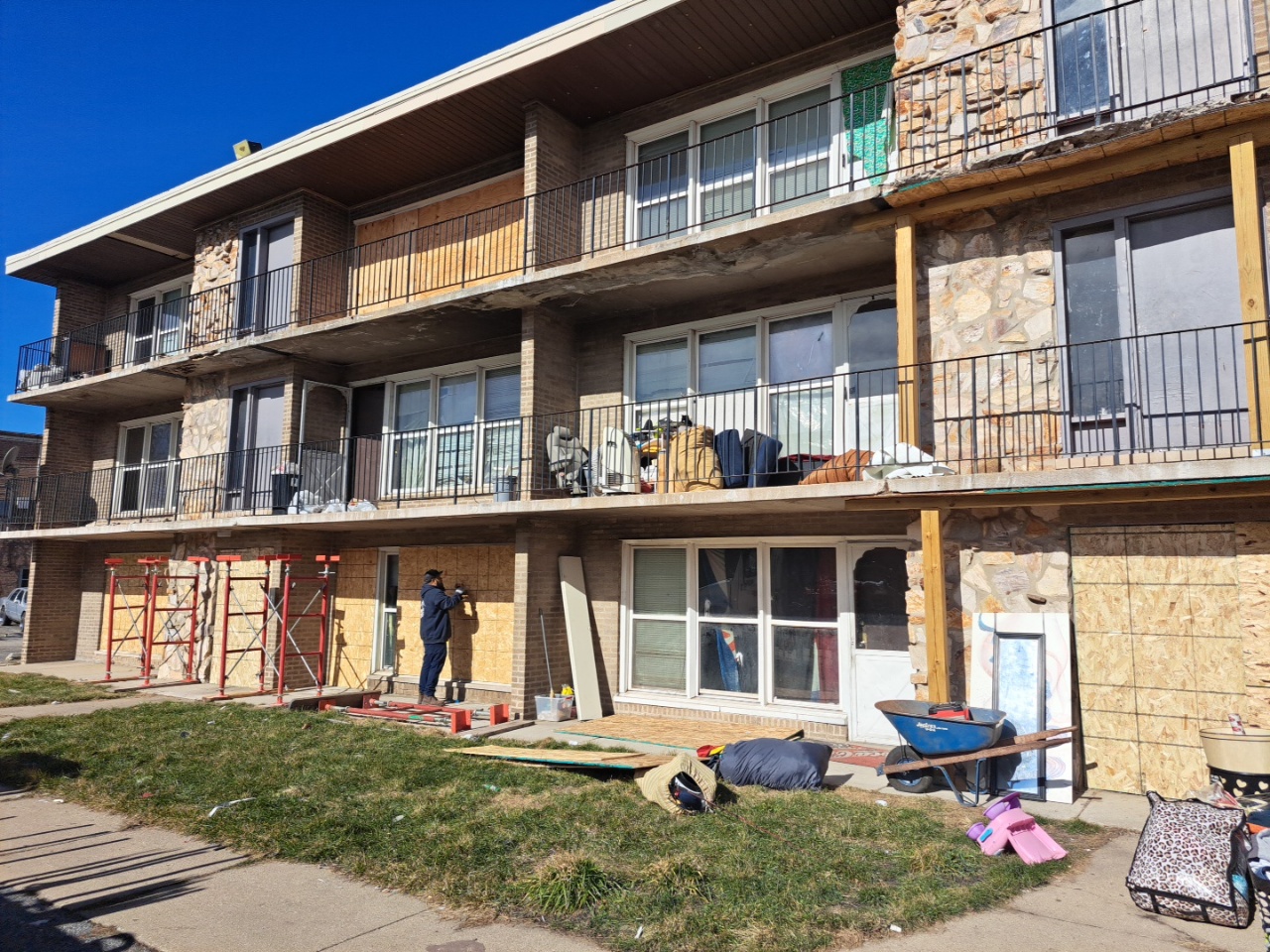
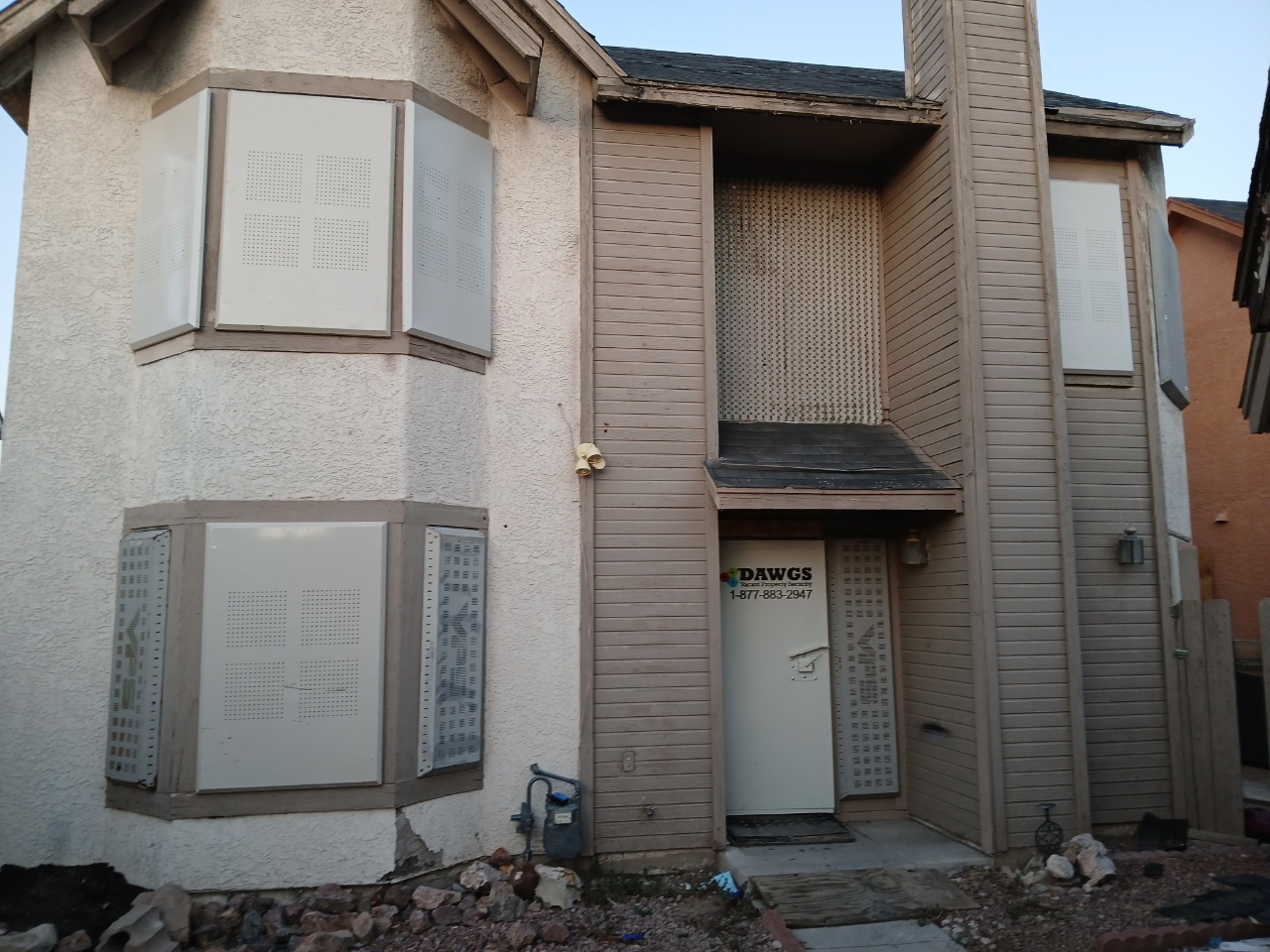

Anchored from inside the opening — no exterior pry points
Purpose-Built Steel. Documented Installation.
Hardware Inside the Building
The panel sits outside the opening — all mounting hardware stays entirely inside.
Welded Corner Construction
Eliminates the pry slots that defeat sheet boarding.
Clamped, Not Screwed On
Threaded rods and tamper-proof nuts clamp the wall between panel and installation bar.
05
Document and Maintain the Property Record
Use the property record to connect recommendation, quote, schedule, installation photos, access owner, condition reports and removal. A complete service history reduces uncertainty when the asset or contractor changes hands.
Communicate meaningful changes promptly. A different opening, new damage, revised project date or local notice can affect equipment, pricing or timing and should not wait until the appointment.
Property Record
Maintained through the rental
Property Condition
Condition reports and inspection notes during the rental.
Authorized Scope
Recommendation, quote and approval connected to the address.
Installed Equipment
The fitted guards and completion photos on file.
Access & Service Information
The access owner and authorized-user roster, kept current.
Removal Status
The agreed milestone and who can authorize removal.
06
Remove or Update at the Next Property Milestone
A clear removal trigger prevents rented equipment from remaining after the property advances. Confirm who can authorize removal, keep the milestone with the property file and update the record when the building moves on — so no equipment or access responsibility is left unresolved.
Property remains vacant
→
System Remains / Scope Updated
Protection continues; report damage or access changes as they happen.
Property changes
→
Review the Current Security Need
New damage, a different opening or local direction can change the right scope.
Ready for occupancy, transfer or construction
→
Planned Removal
Phased removal can be coordinated when the scope and schedule are clear.
Shared Responsibilities
DAWGS
- Reviews the request and identifies gaps that affect fit, safety, service area or pricing
- Recommends the relevant door, window, equipment or lot-access solution and access method
- Confirms address, scope and site contact before mobilization
- Fits the approved guards with trained installers and documents completion
- Escalates openings or conditions that differ materially from the request
- Provides the agreed access information to the authorized contact
Customer / Property Contact
- Authority to approve the work, with confirmed vacancy and safe access
- Site safety outside the DAWGS work, utilities and hazardous materials
- Code, municipal and registration requirements for the property
- Ongoing property inspections during the rental — the guard is one physical layer
- The authorized-user roster and careful control of access information
- Reporting meaningful changes promptly and authorizing removal at the milestone
Assessment, Installation & Removal FAQs
Is an on-site visit always required?
Not always. DAWGS determines whether the available information supports a recommendation or whether a closer review is needed.
Does the assessment confirm local compliance?
No. DAWGS considers customer-provided requirements, but the owner and authority determine what satisfies the law for the site.
What if the site is not ready?
Contact DAWGS before the appointment. Unsafe access, occupancy or major condition changes may require rescheduling or a revised recommendation.
Who controls access information during the rental?
The customer. Share it only with approved users, update the roster when vendors change and contact DAWGS when the locking method no longer matches the property team’s needs.
What happens if conditions change during the rental?
Communicate meaningful changes promptly. A different opening, new damage, revised project date or local notice can affect equipment, pricing or timing and should not wait until the appointment.
Can removal happen in phases?
Yes. Multi-building or construction projects can coordinate phased removal when the scope and schedule are clear.
A Process Built Around Clear Responsibility.
Addresses with complete photos and safe access can progress, while occupied, unstable or unclear files receive the additional review they need without delaying the whole program.
01
Property-Specific Review
02
Authorized Scope
03
Documented Installation
04
Controlled Access
05
Planned Removal

Go Deeper Into the Process
Start With the Property.
Share verified authority, vacancy status and current site information. DAWGS responds with the next questions, not an automatic promise that every building or schedule can be served.
Move to the Right Next Step
Use the online recommendation path for a planned property or call 1-877-883-2947 for an urgent opening. Share verified authority, vacancy status and current site information. DAWGS will respond with the next questions, not an automatic promise that every building or schedule can be served.